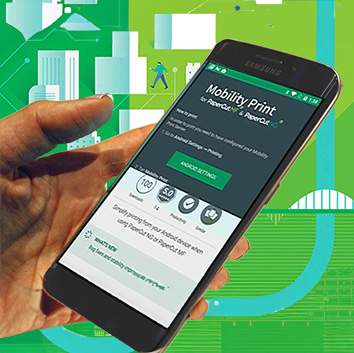
The Upjohn Library Commons will be CLOSED to in-person visits on Wednesday, July 19.Information Services staff will be available through phone and email. What can we help you find?Search Student Tools Faculty Tools Staff Tools Ask Answer Bot Email and Webmail Wireless Access at K Report a Wi-Fi Outage Scheduled Maintenance Change/Reset Password New Employee Tech Onboarding Register an Entertainment Device Tech and Media Support Tech & Media Support Academic Term Hours See the Academic Term Hours for in-person services. Computer Help Desk Email: HelpDesk@kzoo.eduPhone: 269.337.5800 Media Services Email: kmedia@kzoo.eduPhone: 269.337.7138 IS Staff Directory See the IS Staff Directory for direct contact to our team. Information Services Announcements April 8, 20242024-04-11 Scheduled MaintenanceRead MoreApril 1, 20242024-04-04 Scheduled MaintenanceRead MoreMarch 25, 20242024-03-28 Scheduled MaintenanceRead MoreFebruary 14, 2024Stream Video MigrationRead MoreFebruary 1, 2024Wireless Printing UpdateRead MoreJanuary 5, 2024Happy New Printers!Read More Past IS Announcements Subscribe to IS Announcements